Compatibility
Minecraft: Java Edition
Platforms
Supported environments


Links
Creators

Details
Licensed CC0-1.0
Published last month
Updated yesterday
Take control of villager profession and sleep assignment. Bind any villager to any workstation or bed permanently.
| FEATURES |
|---|
- Permanent villager-workstation binding: Right-click an unemployed villager while holding a workstation item to bind them together. Place the block and it belongs to them exclusively.
- Permanent villager-bed binding: Right-click any villager while holding a bed to bind them to it. Place the bed and it belongs to them exclusively. Works on employed and unemployed villagers alike.
- Protected workstations: Other villagers cannot gain a profession from a bound workstation or show any claiming behavior.
- Protected beds: Other villagers cannot claim a bound bed or walk toward it.
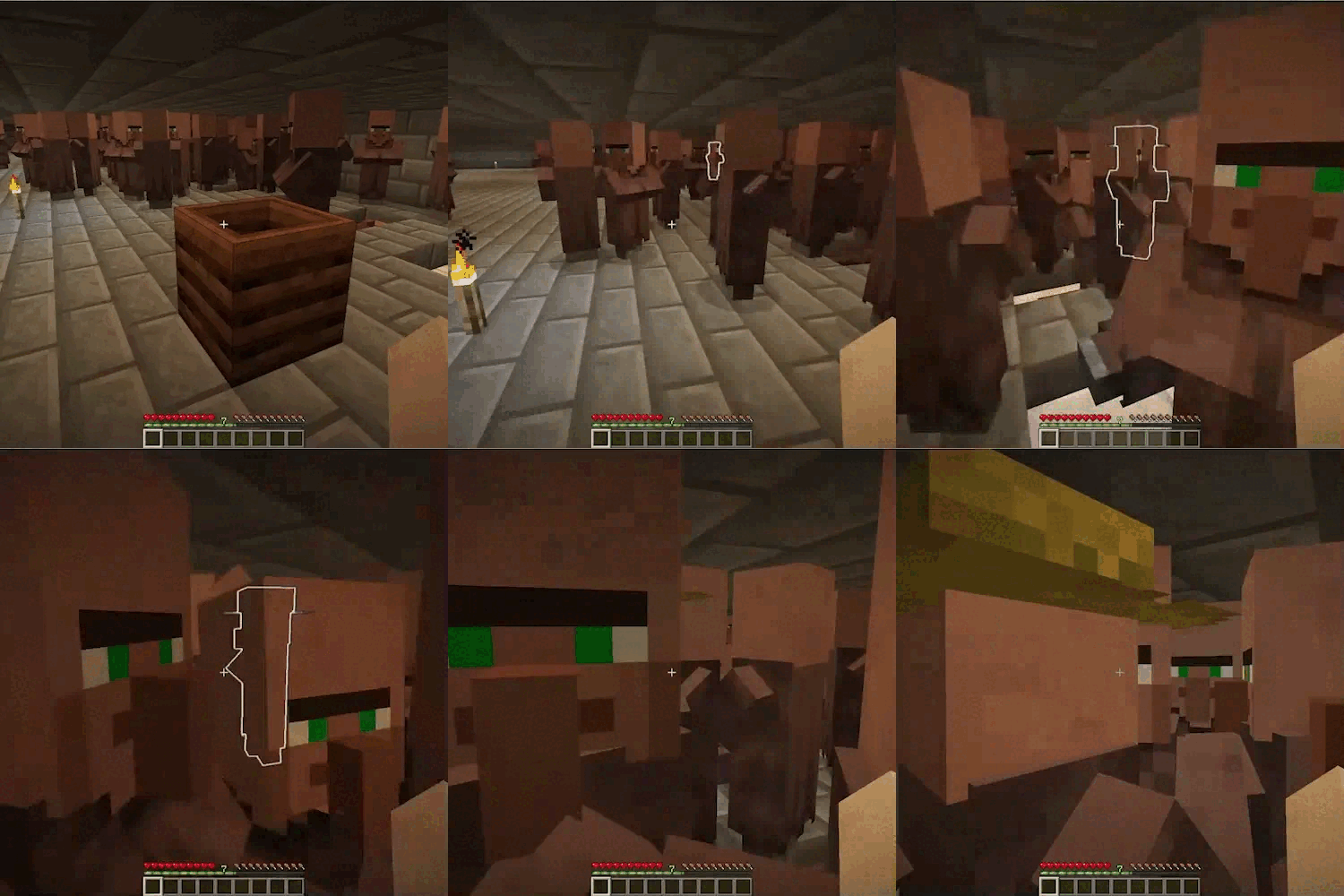
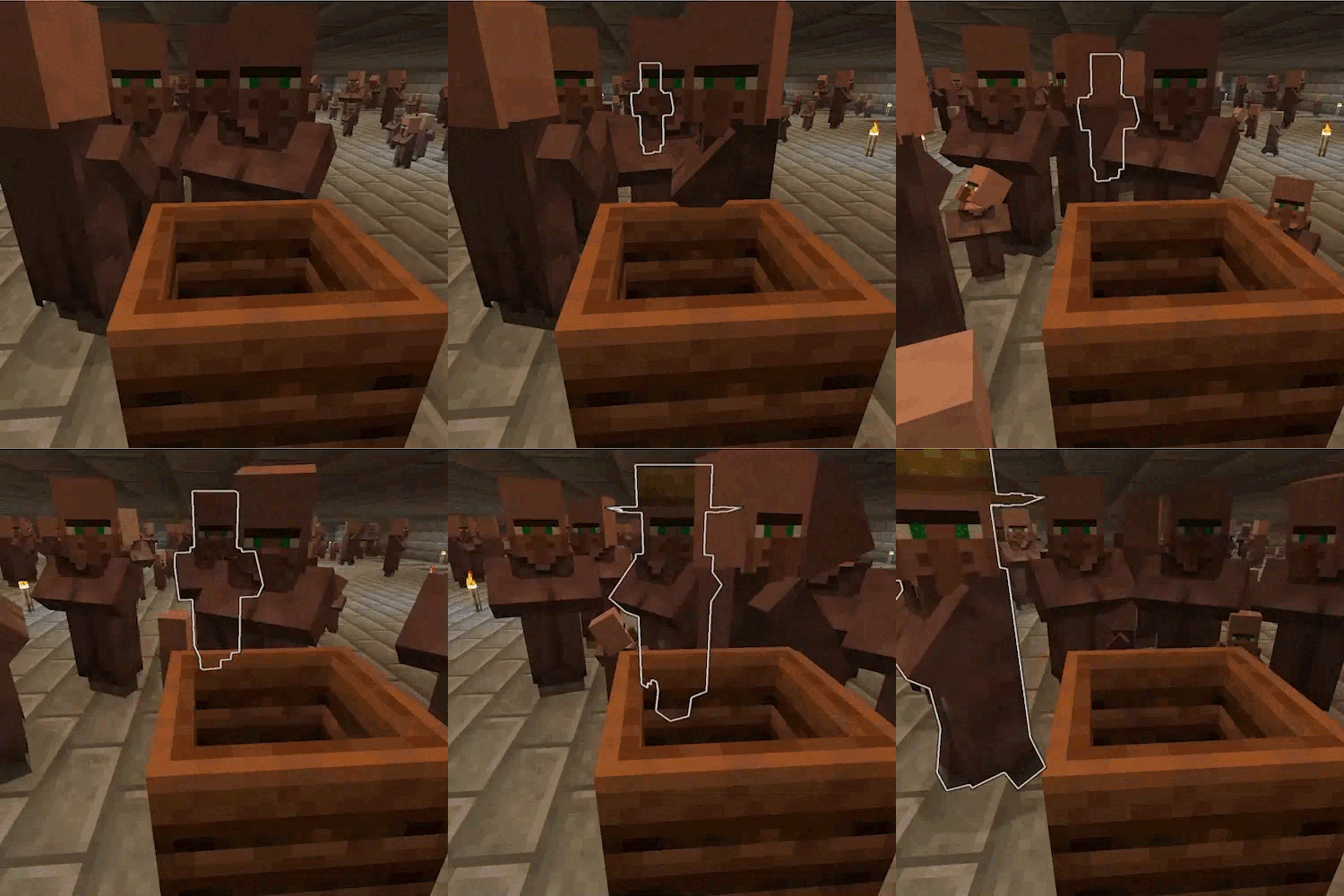
- Villager locator: Press V while looking at a bound workstation or bed to apply a glowing effect to its villager, making them easy to find in a crowded trading hall.
- Auto-cleanup on break: Breaking a bound workstation or either half of a bound bed automatically releases the binding, freeing both the block and the villager.
- Configurable: Adjust particle effect duration and glow duration via the in-game config screen.
| HOW TO USE |
|---|
Binding a villager to a workstation:
- Hold a stack of workstation items in your main hand (e.g. a composter, lectern, blast furnace, etc.).
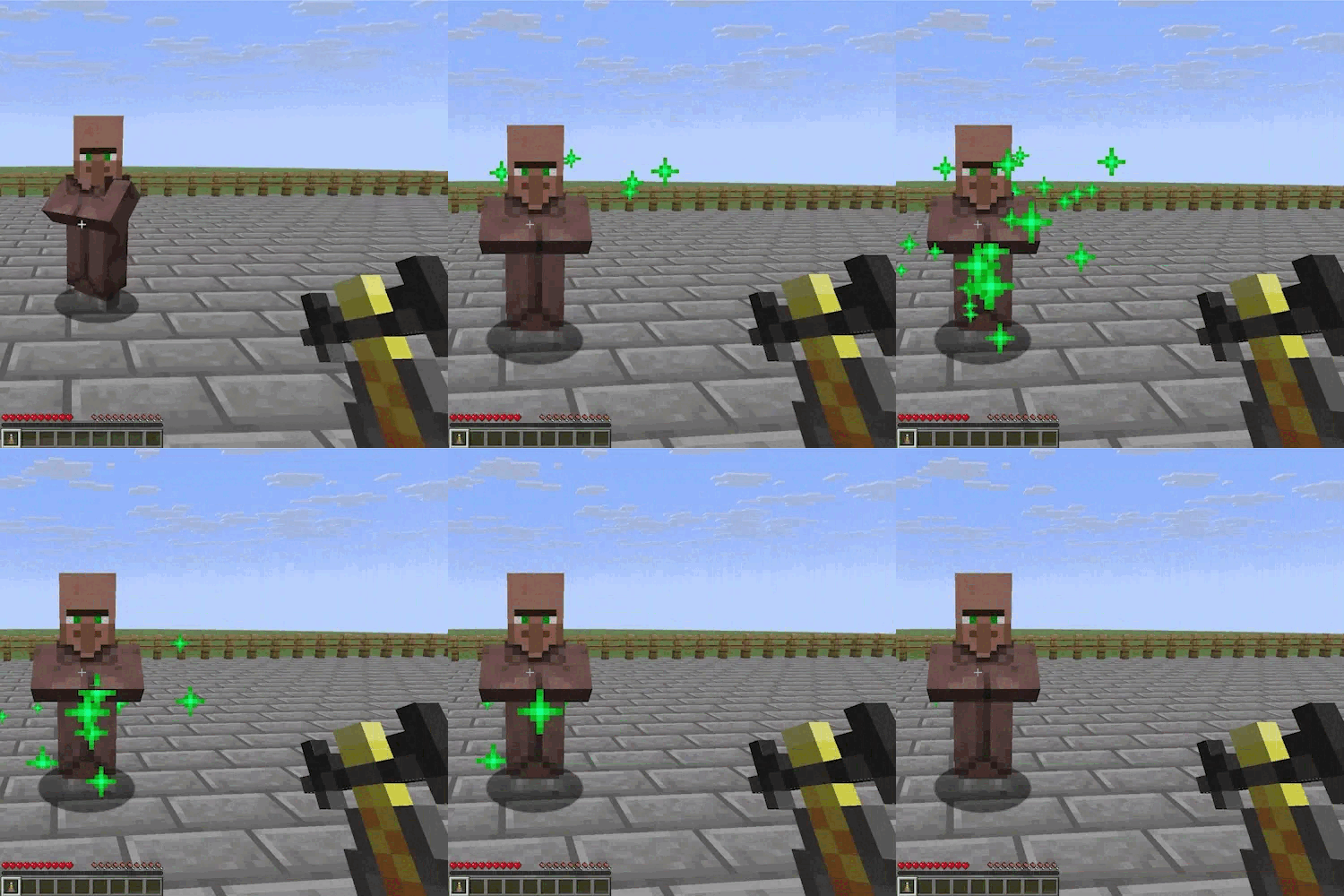
- Right-click an unemployed villager. A brief ritual begins, shown by happy particles around them.
- One item from your stack is now bound to that villager (the rest remain unbound).
- Place the bound item as a block anywhere in the world.
- The villager will navigate to their workstation and gain the corresponding profession.
Binding a villager to a bed:
- Hold any bed in your main hand.
- Right-click any villager (employed or unemployed). A brief ritual begins, shown by happy particles around them.
- One bed from your stack is now bound to that villager.
- Place the bound bed anywhere in the world.
- The villager will navigate to and sleep in that bed.
Finding a bound block's villager:
- Look directly at a placed workstation or bed block.
- Press V (default key). The bound villager will glow for a configurable duration, making them visible through walls.
Releasing a binding:
- Simply break the workstation block or either half of the bed. The binding is removed automatically and the villager is freed.
| CONFIGURATION |
|---|
Open the config screen via ModMenu → Dibs! → Config (requires ModMenu). Config is saved per-client in .minecraft/config/dibs.json.
- Particle Duration: Determines how long the
happy_villagerparticles play around the villager during the binding ritual.- (Default: 2 seconds)
- (Range: 1-60 seconds)
- Glow Duration: Determines how long the assigned villager remains highlighted with the glowing effect when the V key is pressed.
- (Default: 5 seconds)
- (Range: 1-60 seconds)
| REQUIREMENTS |
|---|
- Fabric Loader
- Fabric API
- Cloth Config API
- Mod Menu (recommended for easy in-game configuration)
| CLIENT & SERVER |
|---|
Some functionality exists on both the client and the server, making the mod required for the server but optional for the client.
| FREE & OPEN SOURCE |
|---|
This is a completely free project. I'm not asking for donations or "buy me a coffee" contributions. If you enjoy the mod, the best way to support it is by:
- Leaving a rating/review
- Sharing it with friends
- Reporting any bugs you find
| GALLERY |
|---|
A. Binding Ritual
B. Pressing V at a bound workstation block